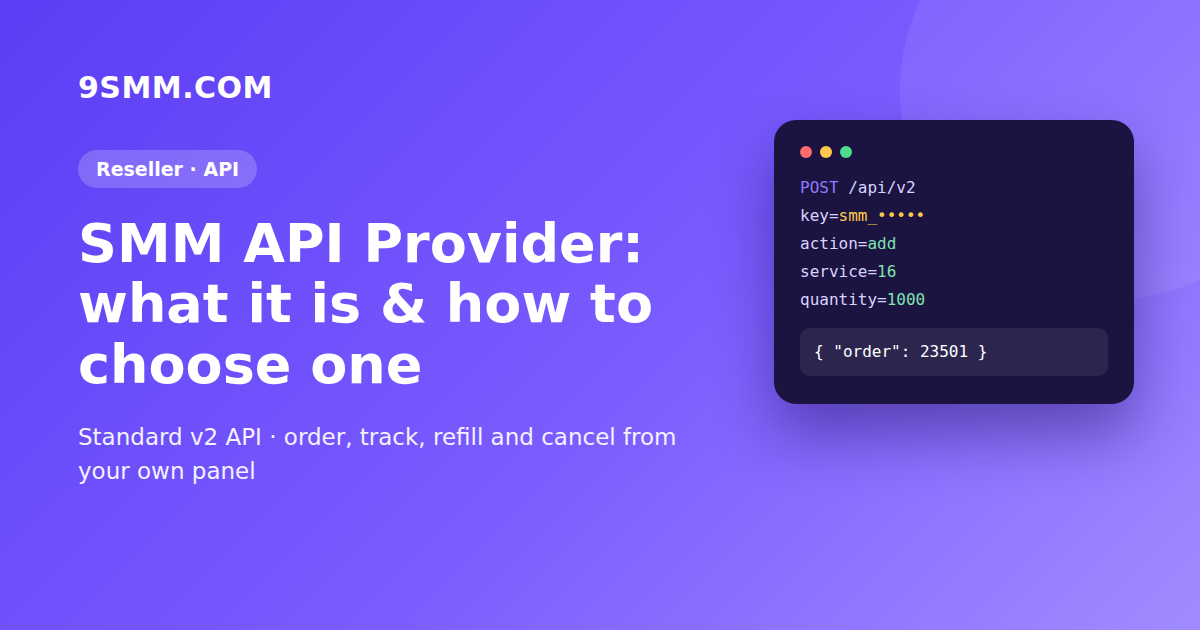
An SMM API provider is a wholesale source of social media services – followers, likes, views, comments – that other panels, bots and agencies connect to through an API. Your own panel takes the customer's order, sends it to the provider with one API call, and the provider delivers it. You never touch the accounts; you manage prices, customers and support.
This guide explains how an SMM API provider works, what the standard API looks like, how to choose one and how to connect it without losing money in the first week.
What is an SMM API provider?
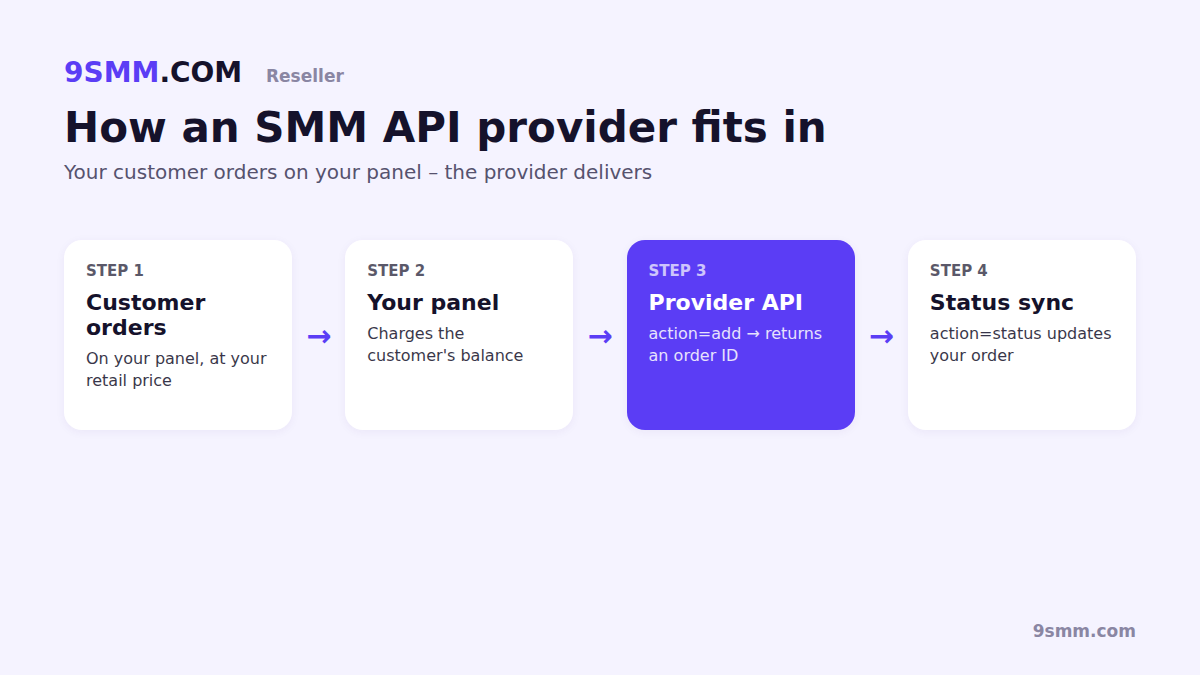
Most SMM panels you see online don't produce any engagement themselves. They resell services from one or more upstream suppliers. Those suppliers are SMM providers, and when they expose their catalogue through an API they are called SMM API providers.
The relationship is simple:
- You (the reseller) run a panel, a Telegram bot or an agency tool and set your own retail prices.
- The provider holds the services, the delivery infrastructure and the refill logic.
- The API is the link between the two: your system sends orders, the provider returns order IDs and status updates.
If you are new to the model, start with what an SMM panel is and the realistic numbers in how to start an SMM panel business.
How the SMM panel API works
Almost every provider follows the same API v2 format, which is why switching or adding a provider usually means changing a URL and a key, not rewriting code. Every request is a POST to one endpoint with an action parameter:
services– lists every service with rate per 1,000, min, max and refill/cancel/drip-feed flags.add– places an order and returns an order ID.status– returns charge, start count, status and remains, often for many orders at once.refill/refill_status– requests and tracks a refill on eligible orders.cancel– requests cancellation of running orders.balance– returns your current balance.
On 9SMM, for example, the endpoint is https://9smm.com/api/v2, rates are in USD, one status call can check up to 100 orders, and each key can make 1,200 requests per minute. Full examples in PHP, Node.js and Python are on the SMM API documentation page.
A typical order looks like this:
POST https://9smm.com/api/v2
key=YOUR_API_KEY
action=add
service=16
link=https://facebook.com/yourpage
quantity=1000
The response is just { "order": 23501 }. Your panel stores that ID and polls status until the order is Completed, Partial or Canceled.
Why resellers use an SMM API provider
- No infrastructure. You don't maintain accounts, proxies or delivery scripts.
- One balance, many orders. Top up once and every order your customers place is paid from it.
- Automation. New orders, status updates, refunds and refills sync without manual work.
- Wide catalogue. Import hundreds of services with one
servicescall and choose which to sell. - Your brand, your margin. You set the retail price; the difference is your profit.
How to choose an SMM API provider: 7 checks
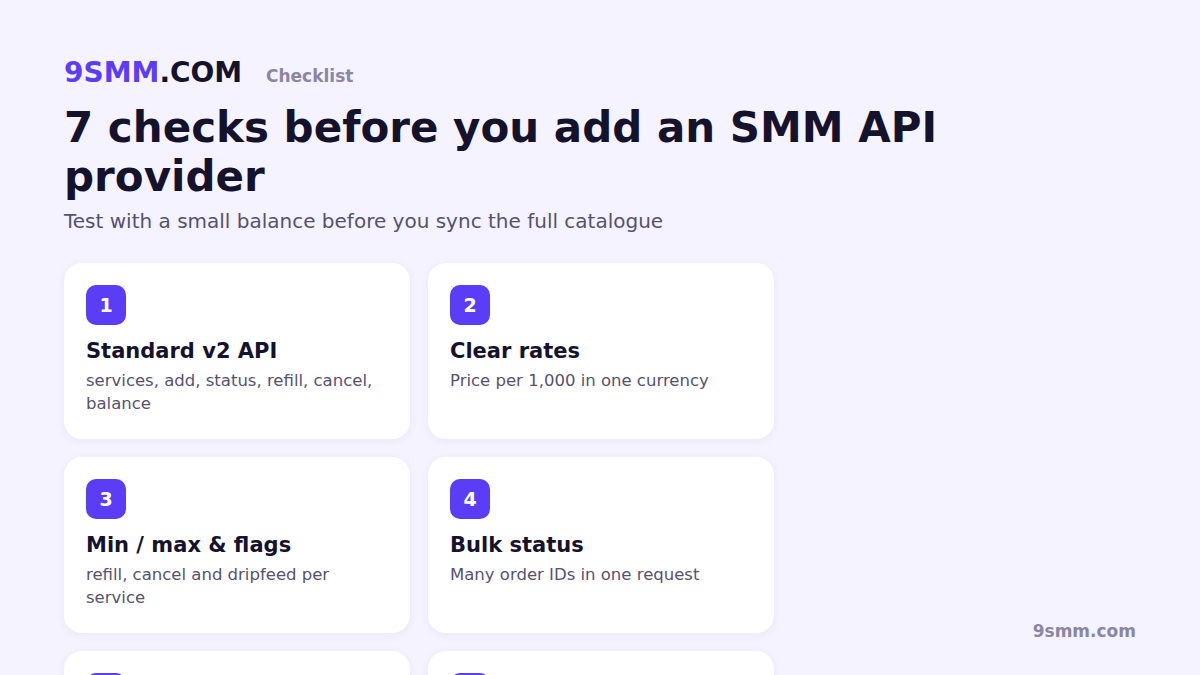
- Standard API v2. It should support
services,add,status,refill,cancelandbalancewith the usual field names. Non-standard APIs cost you development time. - Transparent rates. Prices per 1,000 in one currency, the same on the website and the API, with no separate API fee.
- Clear service flags. Min, max, refill period, cancel and drip-feed should be returned per service so your panel can show the right buttons.
- Bulk status checks. Checking 100 orders in one request keeps you well under rate limits as you grow.
- Automatic refunds. Partial and canceled orders should be credited back to your balance without tickets.
- Documented limits and errors. Exact error strings (like
Not enough funds on balance) let your code react correctly. - Real support. A ticket system with order history beats a chat window that forgets context.
Also check how stable the catalogue is: services that disappear or change price every day will break your margins. The SMM price index is a useful reference for what prices normally look like.
How to connect a provider to your panel, step by step
- Create an account with the provider and add a small balance.
- Generate an API key. On 9SMM it's under Profile → API access; the key starts with
smm_and is shown once. - Add the provider in your panel's provider settings: API URL plus key.
- Import services with
action=services, then pick the ones you want to sell and set your markup. - Test with small orders on your own links. Compare start count and remains with what you see on the platform.
- Enable status sync on a schedule (for example every few minutes) using multi-order
statuscalls. - Monitor your balance with
action=balanceso orders don't fail with insufficient funds.
Common mistakes to avoid
- Syncing the whole catalogue at once. Start with 10–20 tested services.
- Pricing below cost after a rate change. Re-sync
servicesregularly and alert yourself when a rate rises. - Resending on timeouts. If an
addrequest times out, checkstatusor your order list before sending it again – otherwise you may pay twice. - Exposing the key. Keep it on your server, never in browser JavaScript or a mobile app.
- Ignoring refill windows. Show refill only where the provider flags
refill: true, or customers will open tickets you can't solve.
API provider or child panel?
If you already run a panel, the API is the right choice. If you don't have one yet, a child panel gives you a ready-made SMM website on your own domain, already connected to the catalogue – you only set prices and bring customers. Compare the two routes in child panel vs your own panel, or read how 9SMM works as an SMM provider for resellers.
FAQ
What is the difference between an SMM panel and an SMM API provider? An SMM panel is the storefront customers order from. An SMM API provider is the supplier behind it. Many providers are also panels, so you can order manually or connect by API.
Is the SMM panel API the same across providers? Mostly. The v2 format (actions, field names, status strings) is a de facto standard, so an existing reseller script usually works after changing the API URL and key.
Do API orders cost more than website orders? They shouldn't. On 9SMM the API returns the same per-1,000 rates as the website, with every charge in USD.
Can I use more than one SMM API provider? Yes. Many resellers map each service to the provider with the best price or stability, and keep a backup for popular services.