After you place an order on an SMM panel, it moves through several stages. Knowing what each SMM order status means helps you understand where your order is, whether you've been charged and when to contact support. This guide explains the common statuses and what to do in each case.
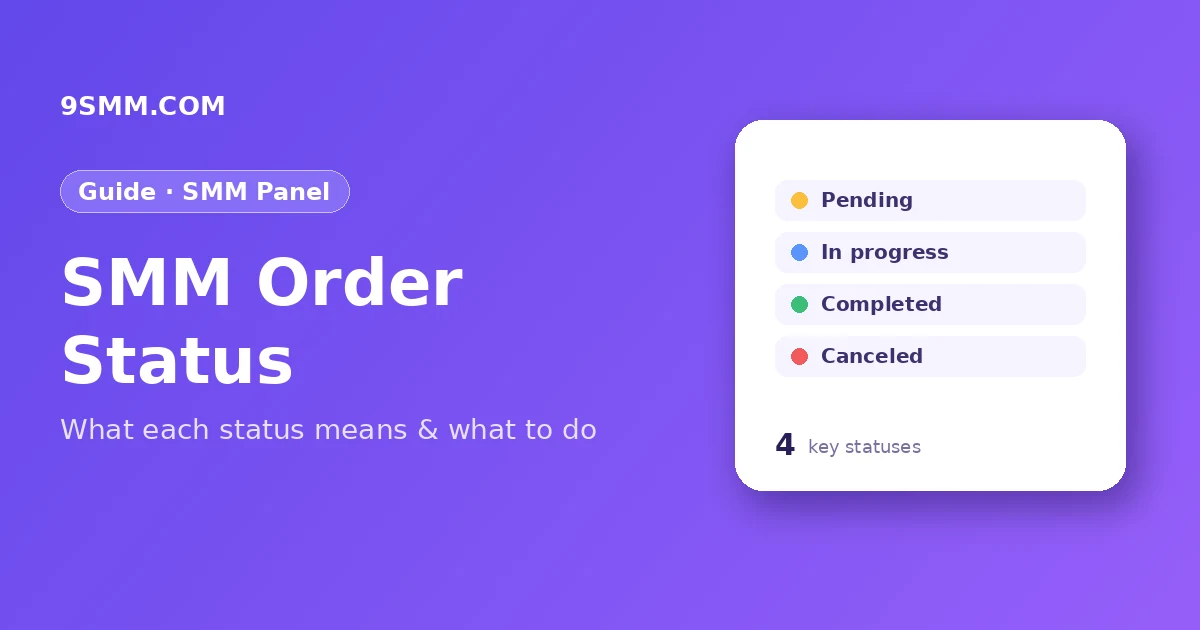
How an SMM order moves through the system
Simplified, every order follows this path:
- You place the order and the balance is deducted.
- The panel sends the order to a service provider.
- The provider starts delivering.
- Delivery finishes fully, partly, or not at all.
- The panel updates the status and refunds anything not delivered.
Exact names can differ slightly between panels, but the meanings below are standard.
SMM order status: Pending
The order has been received but delivery hasn't started yet. It may be waiting in the provider's queue, waiting for the start time of the service or waiting for a check of the link.
What to do: check the service description for its start time. Many services start within minutes; some take hours. Don't place a duplicate order for the same link – two orders on one link can conflict.
In progress
Delivery has started and is continuing. You'll usually see a start count (the number when the order began) and a remains value (how much is left).
What to do: wait. Speed depends on the service – some deliver per hour, some per day. If you used drip-feed, delivery is intentionally spread out.
Processing
Some panels use "Processing" for orders being prepared or re-checked, for example after a provider change. Treat it like In progress.
Completed
The provider reports the full quantity delivered. The order is finished.
What to do: check the result on your post or profile. If numbers drop later and the service includes refill, you can request a refill within the refill period.
Partial
Only part of the quantity was delivered. The panel automatically refunds the undelivered part to your balance.
Common reasons:
- The link became private or unavailable during delivery.
- The provider ran out of capacity.
- The platform limited delivery to that account or post.
What to do: check your balance history for the partial refund. If you still need the remaining amount, you can place a new order, ideally after checking your link is public.
Canceled
The order could not be delivered, and the full amount is refunded to your balance.
Common reasons:
- Wrong link format – for example, a profile link for a post service.
- Private account or post.
- Another active order on the same link with the same service type.
- Service temporarily unavailable.
What to do: read the service description, fix the link and place the order again.
Refunded
Some panels show "Refunded" when an order was fully or partly refunded after problems. Check your balance history to see the amount.
Why an order looks "stuck"
An order that stays Pending or In progress longer than expected is usually due to:
- High demand on the service.
- Slow delivery speed by design (check the listed speed).
- Link changes – username changed, post deleted, account made private.
- Platform updates temporarily slowing providers.
Before opening a ticket about an SMM order status, check the service's start time and speed, confirm the link is public and correct, and make sure you haven't placed another order on the same link.
When to contact support
Open a ticket if:
- The order has been Pending or In progress much longer than the service's stated start time and speed.
- The order shows Completed but the delivery clearly didn't happen.
- You need a refill within the refill period.
Include the order ID, the link and a short description. That's all support needs to check quickly.
Tips to avoid SMM order status problems
- Test a small quantity before large orders.
- Keep links public until the order is completed.
- Don't change usernames during delivery.
- One order per link per service at a time.
- Choose services with refill for important profiles.
New to panels? See how to start an SMM panel business or learn how resellers use SMM API providers.
Quick reference table
| Status | Delivery | Balance |
|---|---|---|
| Pending | Not started | Charged, waiting |
| In progress | Delivering | Charged |
| Completed | Fully delivered | Charged |
| Partial | Part delivered | Undelivered part refunded |
| Canceled | Not delivered | Fully refunded |
Keep this table in mind when you check your orders page – it answers most questions without opening a ticket.
Key takeaways
- Pending = waiting to start; In progress = delivering; Completed = done.
- Partial = part delivered, the rest refunded automatically.
- Canceled = not delivered, fully refunded.
- Most problems come from wrong links, private accounts or duplicate orders.
- Contact support with the order ID when an SMM order status doesn't change as expected.
FAQ
Am I charged for a canceled order?
No. The balance for a canceled order is returned to your account. Check your balance history to confirm.
Why is my order Partial?
Delivery stopped before the full quantity – often because the link became private, the provider ran out of capacity or the platform limited delivery. The undelivered part is refunded.
Can I cancel an order myself?
Some services allow cancel requests while the order is Pending or In progress. Whether it's possible depends on the service; check the description or ask support.
How long does Pending usually last?
It depends on the service. Many start within minutes, while others list a start time of several hours. The service description shows the expected start time.
Can I place a new order on the same link while one is running?
Usually it's best to wait until the first order is Completed, Partial or Canceled. Two active orders of the same type on one link can confuse start counts and cause one order to be canceled or marked Partial.
What is the start count?
The start count is the number of followers, likes or views the link had when delivery began. It helps you and support check how much was delivered by comparing it with the current number.